One lead workflow: source, assignment, follow-up, and Meta Lead Ads
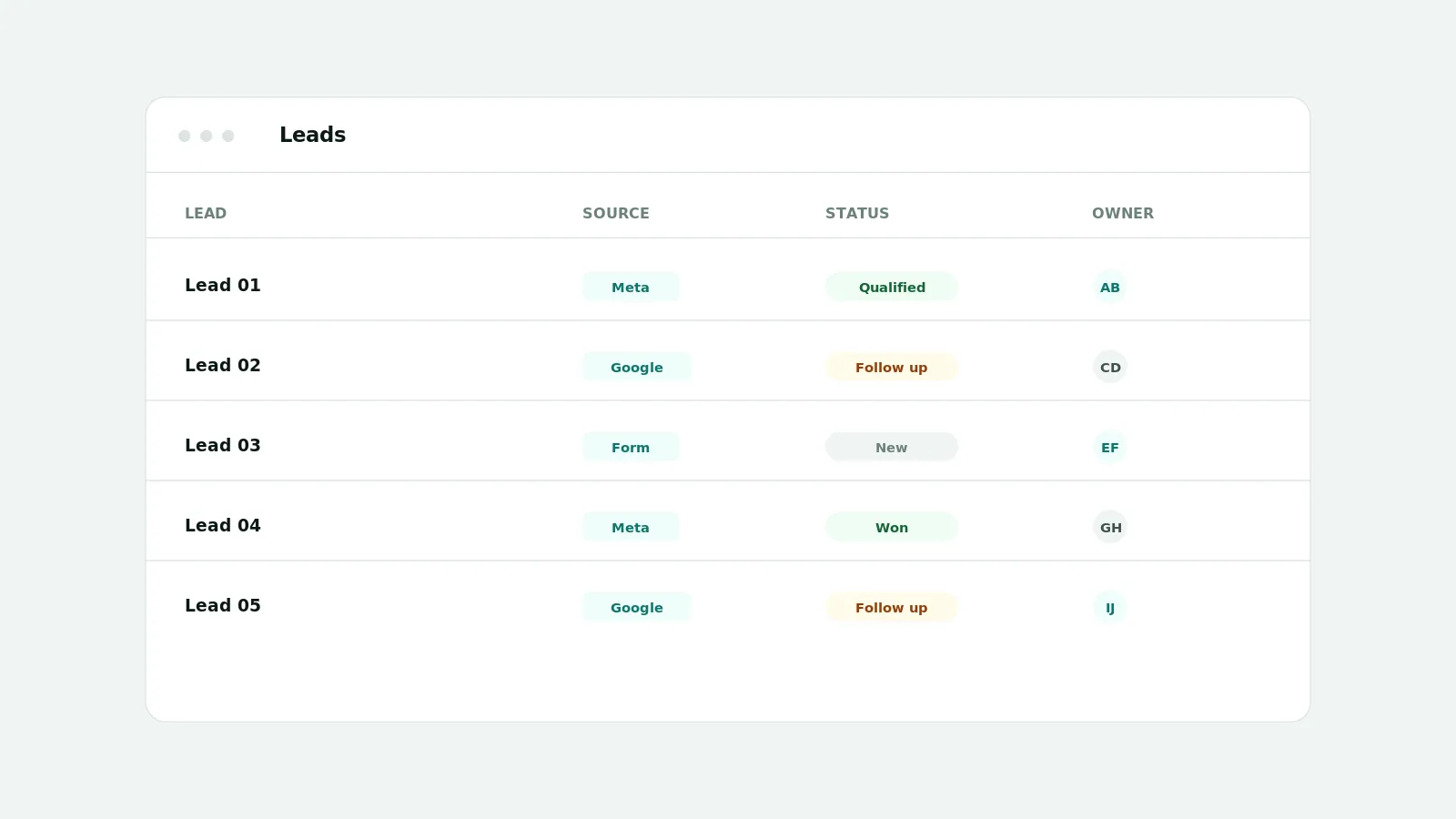
A single lead workflow means every lead has a source, an owner, a status, and a next action in one place. AI CEO's Lead Management captures leads from imports, web search, manual entry, and Meta Lead Ads where the connection is configured, then supports assignment, status changes, follow-ups, comments, and file attachments with role-based visibility.
Why scattered lead lists lose deals
When leads sit in spreadsheets and inboxes, ownership is unclear and follow-ups slip. Marketing captures the lead but loses sight of what happens next, so good leads go cold.
What AI CEO supports today
- Lead sources: import, web search, manual entry, and Meta Lead Ads where the connection and page access are configured
- Assignment, reassignment, and bulk assignment, gated by capability
- Status changes, pipeline stages, and follow-up activity when permitted
- Comments, an activity timeline, and file attachments (stored in object storage when configured)
- List and board views, with visibility scopes such as own, assigned, team-visible, and all, enforced on the server
A workflow the team can keep
Route each new lead to an owner, set a clear status, and record the next follow-up. Keep the source accurate so reporting reflects where leads actually came from, and use roles so people only see the leads their scope allows.
Important limitations
Meta Lead Ads ingestion requires a configured Meta connection with the right page and lead access; without it, leads are still added by import, web search, or manual entry. Lead visibility is enforced on the server, not only filtered in the browser, and the acquisition source shown always reflects the real origin.
Frequently asked questions
- Is this a full CRM?
- It is lead management for marketing teams: sources, ownership, status, follow-ups, comments, and files in the marketing workspace. It focuses on marketing lead workflows rather than a full sales CRM.
- How are Meta Lead Ads collected?
- From eligible forms when the Meta connection, page access, and lead permissions are configured. Otherwise leads come from import, web search, or manual entry.
- Can I limit who sees which leads?
- Yes. Visibility scopes such as own, assigned, team-visible, and all are enforced on the server by role.