How to control access to marketing data
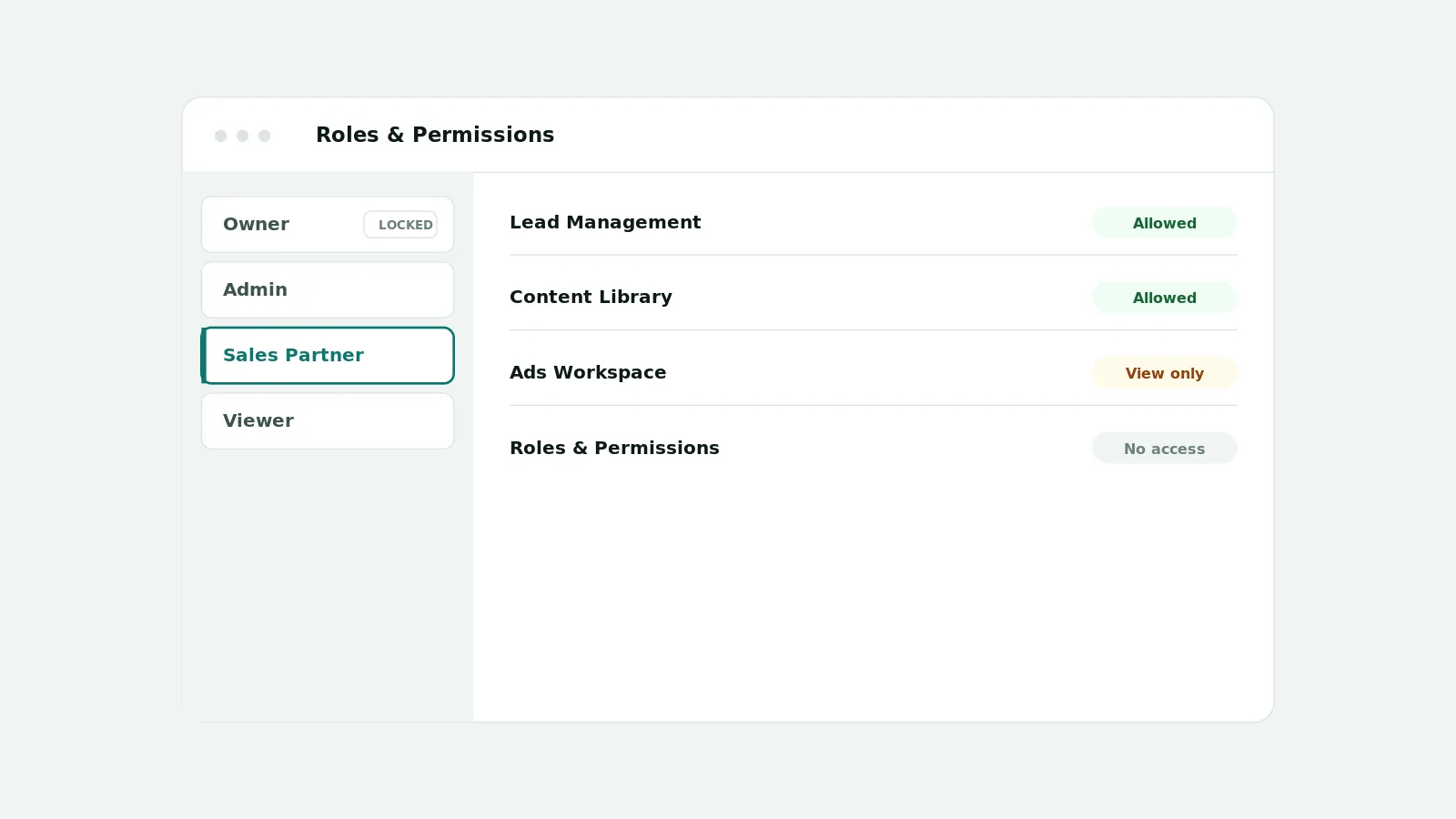
You control access to marketing data by assigning roles that grant only the permissions each person needs, scoping access to specific workspaces, and keeping an audit history of changes. In AI CEO, built-in and custom roles map to module-level capabilities, access is set per workspace, the owner role is protected, and role and member changes are recorded in audit history.
Why open access is risky
When everyone can see and change everything, mistakes and data exposure become a matter of time, especially for agencies handling multiple clients. Controlled access keeps the right people focused on the right data.
What AI CEO supports today
- Built-in roles including admin, analyst, contributor, executive, manager, sales partner, and viewer
- Custom workspace roles with a display name, description, and a chosen capability set
- Module-level View, Create, Edit, Delete, Approve, Execute, and Chat capabilities where applicable
- Detailed Lead Management capabilities such as visibility scope, assignment, import, export, and edit
- A protected, read-only owner role that cannot be edited or duplicated
- Per-workspace roles, the union of multiple assigned roles, and audit history of changes
A practical starting model
Start from what each person needs to do rather than from job titles. Give most people a viewer or contributor role, reserve admin for the few who manage users, roles, and integrations, and use a custom role only when the standard ones do not fit. Review access on a schedule using the audit history.
Important limitations
Access control governs what people can do inside AI CEO. It does not change the permissions granted on the underlying Meta or Google accounts, which are controlled by those providers. Hiding a control in the interface is not access control on its own; AI CEO enforces permissions on the server, and you remain responsible for who you invite and which roles you assign.
Frequently asked questions
- What roles do I need?
- Start with a small set such as admin, manager, contributor, and viewer. Use a custom role only when the built-in ones do not fit a specific need.
- Can access differ per workspace?
- Yes. Roles are applied per workspace, so a person can have different access in different workspaces or clients.
- Is there an audit trail?
- AI CEO records role, member, and related administrative changes in audit history so access can be reviewed later.