How agencies manage multiple marketing workspaces
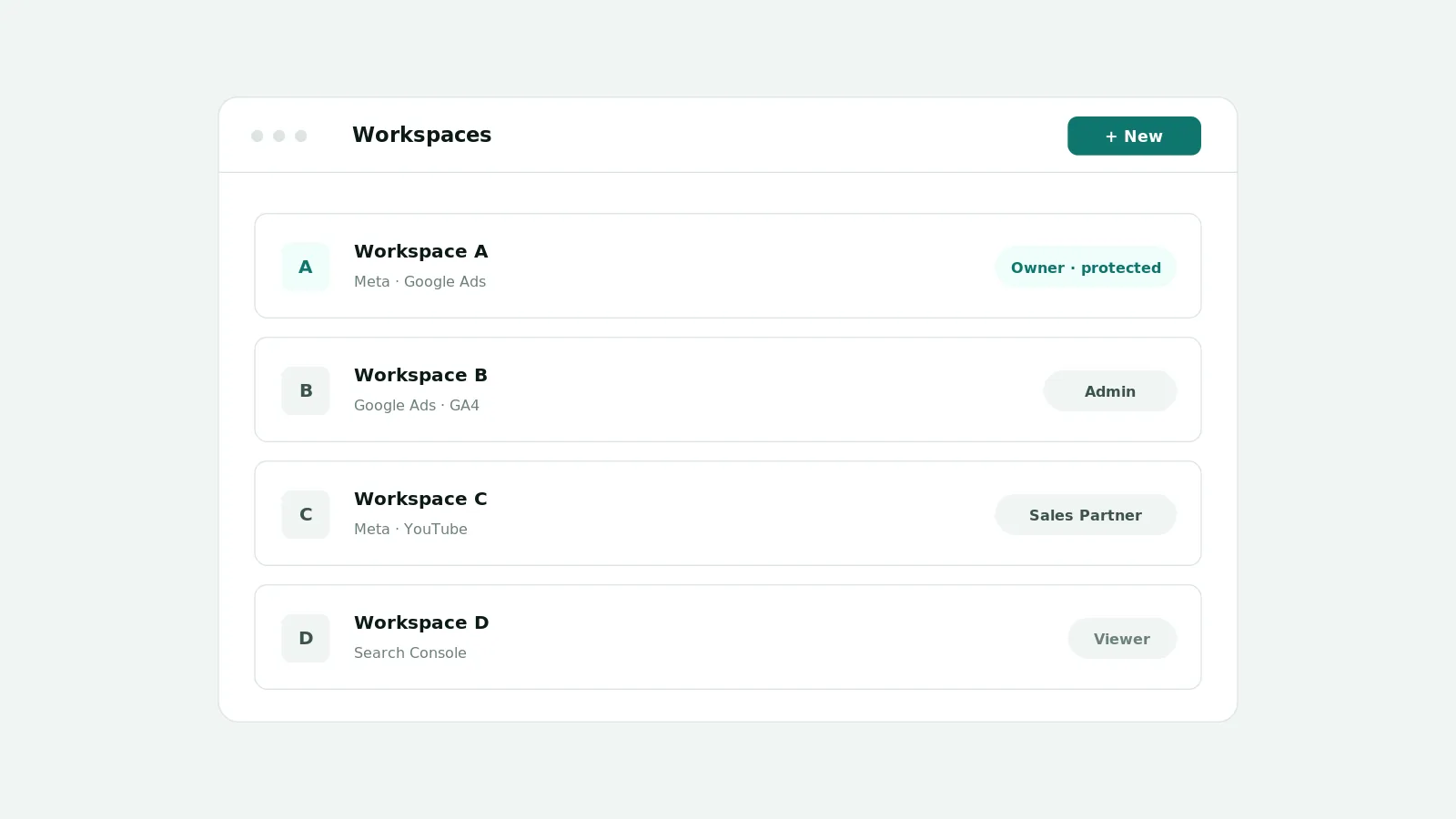
Agencies manage multiple clients by giving each client its own workspace under one organization, connecting each client's Meta and Google accounts separately, and using roles to control who can access which workspace. In AI CEO, credentials and roles are scoped per workspace, so a team member only sees the clients they are assigned to.
The multi-client problem
Agencies juggle many clients, each with their own accounts, plans, content, and leads. Mixing them in shared spreadsheets makes it easy to expose one client's data to the wrong person and hard to keep work organized.
What AI CEO supports today
- A separate workspace per client under one organization
- Meta and Google credentials configured per workspace, kept isolated between workspaces
- Roles applied per workspace so staff only access the clients they are assigned to
- Members, invitations, and a protected owner per workspace
- Audit history of member, role, and credential changes
Onboarding a new client workspace
- Create the client's workspace under your organization
- Invite the right people and assign the roles they need for that client
- Connect the client's Meta and Google accounts within their workspace
- Set up the first plan so results can be reviewed against intent
Important limitations
What you can report for each client depends on that client's connected accounts and the permissions they grant, including consent, OAuth scopes, and provider retention. AI CEO scopes data by organization and workspace and enforces this on the server, but it cannot show data for accounts that have not been connected or for periods a provider does not return.
Frequently asked questions
- Is client data separated between workspaces?
- Yes. Each client has its own workspace and its own connected accounts, and access is granted per workspace and enforced on the server.
- Can staff be limited to some clients?
- Yes. Assign a person access only to the workspaces they work on, so they cannot see other clients.
- How do I onboard a new client?
- Create the workspace, invite people with the right roles, connect the client's Meta and Google accounts, and set up the first plan.