How to read Meta and Google campaign performance together
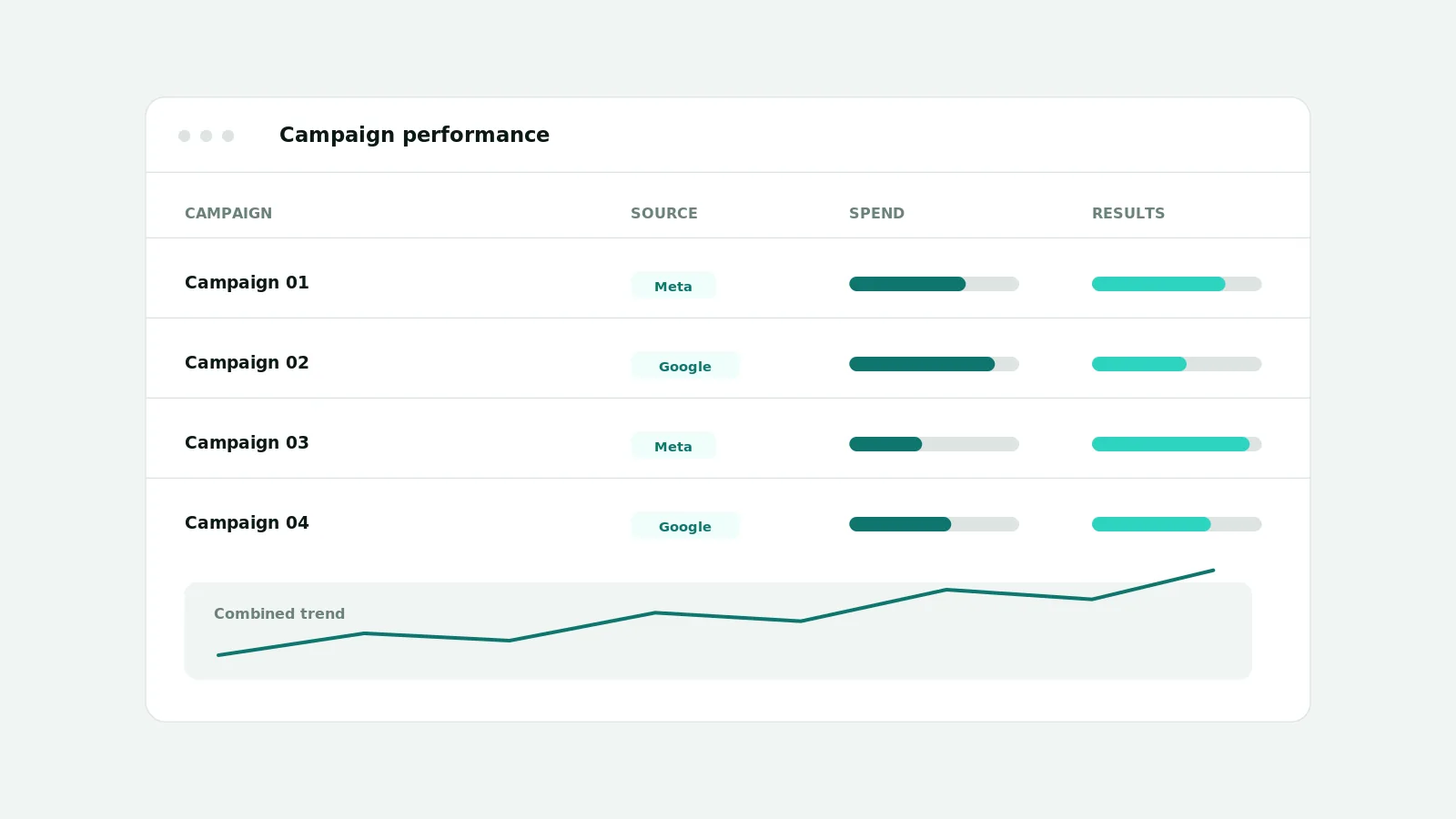
To read Meta and Google performance together, connect both ad accounts and review campaigns on one cadence in the Ads Workspace. It lists campaigns with status, objective, dates, spend, impressions, clicks, CTR, and lead results when the provider supplies them, so you compare channels without exporting spreadsheets.
Why channel-by-channel reporting slows teams down
When Meta lives in one ad manager and Google in another, comparing them means exporting, aligning columns, and rebuilding the same view every week. The effort discourages regular review, which is exactly when problems hide.
What AI CEO supports today
- List campaigns available to the selected workspace and ad-account scope
- Show status, objective, dates, spend, impressions, clicks, CTR, and lead results when supplied
- Open a campaign to see its ad sets and related creatives where provider data exists
- Filter by ad account and see account-specific results
- Keep paid campaign data separate from organic platform reporting
A weekly review that fits both channels
Pick a fixed day, open the Ads Workspace, and review the same fields for Meta and Google: what is spending, what is performing, and what to change. Because both channels are in one workspace, the review is one pass instead of two.
Important limitations
Which campaigns and metrics you see depends on the accounts connected and the permissions granted, and on each provider's data availability and retention. Metrics that a provider does not return are shown as unavailable rather than estimated, and unavailable creative imagery is shown as an explicit placeholder.
Frequently asked questions
- Does it merge Meta and Google into one number?
- It shows each channel's real metrics side by side. It does not invent a blended metric where the channels define things differently.
- What if an ad account is not connected?
- That account's campaigns will not appear until it is connected with the right permissions.
- Where does CPL or lead count come from?
- From the connected provider data where it is available; otherwise it is shown as unavailable.